

In the Adobe Photoshop tutorial we’re going to visit, we create some lighting effects using a combination of layer styles, the Pen tool and color mixing. The final effect is quite amazing and I hope you can gather some suggestions that you did not know before. A very detailed and easy to follow lesson for those with a good knowledge of the program.
Related Posts
02
Jun2017
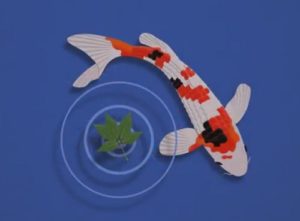
Make Fancy Carp Paper Art Effect in Photoshop
In this interesting video tutorial we will see how to make a carp that swims in an artistic work created with Adobe Photoshop. In practice we will see how to…
26
Oct2015

Add Flower Patterns to Human Face in Photoshop
This video tutorial in Photoshop shows you how to add floral patterns to a human face. One of the basic methods of using the program that will allow us to…
23
Jun2013
Create a Still-Life Lamp in Photoshop
Photoshop permette di manipolare la maggior parte delle foto che prendiamo e unirle in qualsiasi cosa. Inoltre permette di creare da zero molto di quello che vediamo nella vita reale.…
26
Sep2014
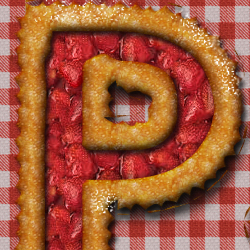
Strawberry Fruit Pie Text Effect in Photoshop
In the tutorial we are going to see we will create a text with the shape of a fruit cake in Photoshop. You can use any filling for the cake;…
02
Dec2012
Christmas Snow Photoshop Text Effect
Christmas is coming and what we’re going to see is an Adobe Photoshop tutorial with a text effect inspired by the winter season and a beautiful writing with snow. To…
14
Sep2014

Create a Delicious Jelly Bean Text Effect in Photoshop
Nel tutorial che andremo a vedere viene mostrato come creare un delizioso fagiolo di gelatina per realizzare un effetto di testo in Adobe Photoshop utilizzando un semplice pennello personalizzato, un…
